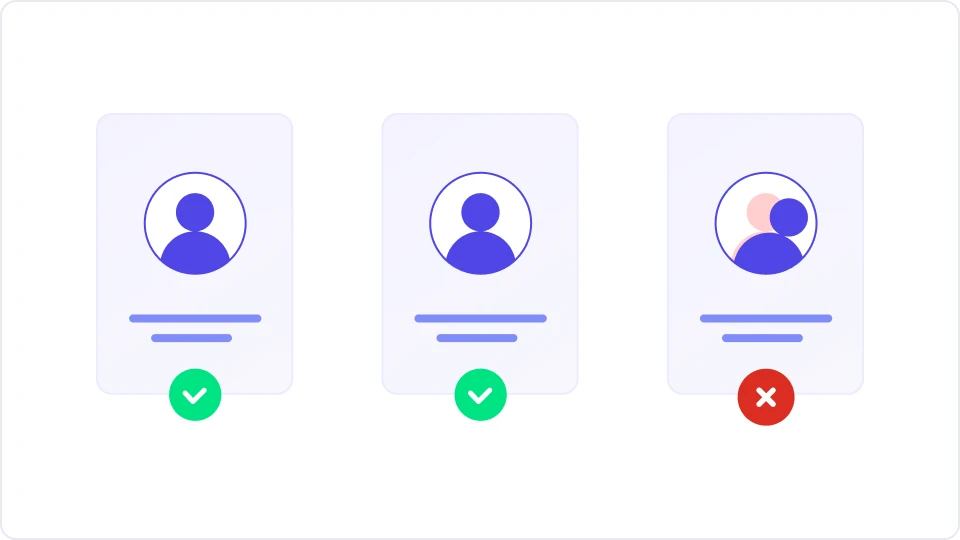
Fraud & abuse prevention
Stop new-account fraud and free-trial abuse by recognizing repeat visitors across sessions.
Open-source fingerprinting
Enterprise-ready, GDPR-compliant browser fingerprinting - without the enterprise price tag.
Most of this category is priced on the last decimal point of accuracy. That decimal is expensive, and for most uses it changes nothing. We charge a fraction of the going rate for accuracy that covers the large majority of use cases.
Stop new-account fraud and free-trial abuse by recognizing repeat visitors across sessions.
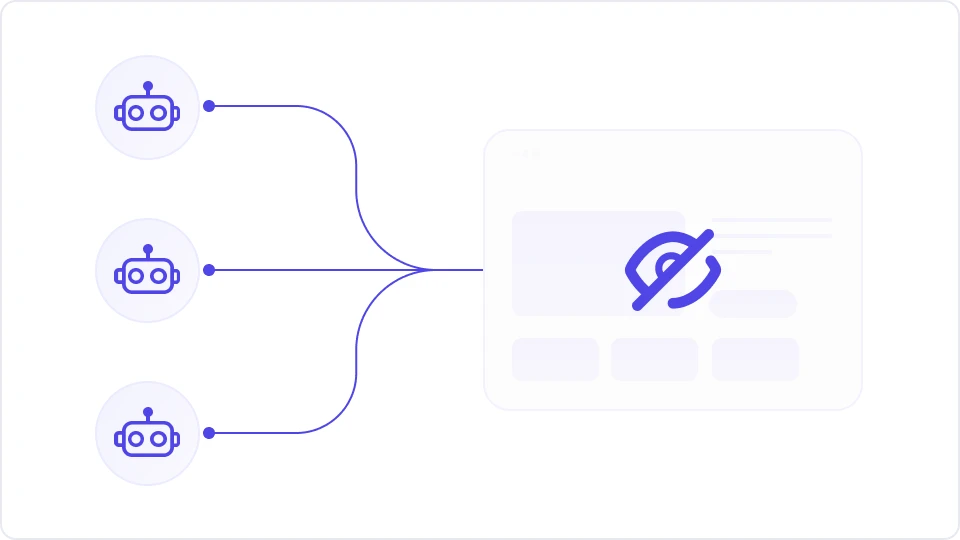
Identify and block automated traffic and spammers with signal-based detection that's hard to spoof.

Track unique visitors and light personalization without relying on cookies or invasive tracking.
ThumbmarkJS is MIT-licensed and runs in the browser. No account and no API key needed: it collects browser components and hashes them into a thumbmark.
// new Thumbmark().get(): no API key needed
{
  thumbmark: "00c8328e409c4831e4aba4f65ec3a0c1",
  components: {
    audio: { sampleHash: 1168.9068, maxChannels: 1, ... },
    canvas: { commonPixelsHash: "875ee776..." },
    locales: { languages: "en-US", timezone: "America/New_York" },
    screen: { colorDepth: 24, is_touchscreen: false, ... },
    // ...and more browser components
  },
  info: { uniqueness: { score: "api only" } },
  version: "1.12.0"
}With a free API key the same call also returns:
A persistent Visitor ID, assigned by the API
Server-side components: TLS handshake, HTTP headers, protocol and network
A more unique thumbmark, from the added server-side components
IP-based checks: bot, VPN, Tor, datacenter and a threat level
// new Thumbmark({ api_key: 'YOUR_API_KEY' }).get()
{
  visitorId: "Zx3kQ9mTLp2WvR7b",
  thumbmark: "00c8328e409c4831e4aba4f65ec3a0c1",
  components: {
    // the browser components, plus server-side ones:
    tls: { tlsVersion: "TLS 1.3", alpn: "h2", ... },
    header: { acceptEncoding: ["gzip", "br"], ... },
    protocol: "HTTP/1.1",
    ip: { id: "a1b2c3d4", asn: 64500, v: "v4" }
  },
  info: {
    classification: {
      bot: false, vpn: false, tor: false,
      datacenter: false, danger_level: 0
    },
    ...
  },
  version: "1.12.0"
}Add ThumbmarkJS to your site with just a few lines of code. Works with any framework or plain HTML, and with or without an API key.
Add one script tag that loads ThumbmarkJS from the jsDelivr CDN and calls get(). No build step. No API key is needed: the thumbmark is computed in the browser.
<script type="module">
  import('https://cdn.jsdelivr.net/npm/@thumbmarkjs/thumbmarkjs/dist/thumbmark.umd.js')
    .then(() => {
      const tm = new ThumbmarkJS.Thumbmark({
        // api_key: 'YOUR_API_KEY', // optional: adds visitorId and server-side signals
      });
      tm.get().then((result) => {
        console.log(result.thumbmark);
      });
    });
</script>Everything above works without a key. A free API key adds a persistent visitorId plus server-side signals from an IP lookup: bot, VPN, Tor and datacenter checks and a threat level. Create a free account, then uncomment the api_key line in step 1 and paste in the key from the console.
Get API key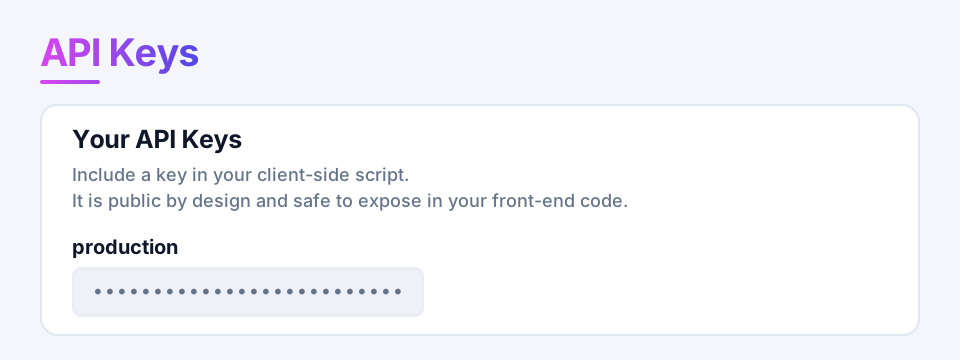
Install the package from npm.
npm install @thumbmarkjs/thumbmarkjsCreate a Thumbmark and call get(). No API key is needed: the thumbmark is computed in the browser.
import { Thumbmark } from '@thumbmarkjs/thumbmarkjs';

const tm = new Thumbmark({
  // api_key: 'YOUR_API_KEY', // optional: adds visitorId and server-side signals
});
const result = await tm.get();
console.log(result.thumbmark);Everything above works without a key. A free API key adds a persistent visitorId plus server-side signals from an IP lookup: bot, VPN, Tor and datacenter checks and a threat level. Create a free account, then uncomment the api_key line in step 2 and paste in the key from the console.
Get API key Install the core library and the React wrapper.
npm install @thumbmarkjs/thumbmarkjs @thumbmarkjs/reactWrap your app in ThumbmarkProvider and read the result with the useThumbmark hook. No API key is needed: the thumbmark is computed in the browser.
import { ThumbmarkProvider, useThumbmark } from '@thumbmarkjs/react';

function App() {
  return (
    <ThumbmarkProvider
      // apiKey="YOUR_API_KEY" // optional: adds visitorId and server-side signals
    >
      <Visitor />
    </ThumbmarkProvider>
  );
}

function Visitor() {
  const { thumbmark, isLoading } = useThumbmark();
  if (isLoading) return <div>Loading…</div>;
  return <div>Thumbmark: {thumbmark}</div>;
}Everything above works without a key. A free API key adds a persistent visitorId plus server-side signals from an IP lookup: bot, VPN, Tor and datacenter checks and a threat level. Create a free account, then uncomment the apiKey line in step 2 and paste in the key from the console.
Get API key Install the core library and the Vue wrapper.
npm install @thumbmarkjs/thumbmarkjs @thumbmarkjs/vueRegister the Thumbmark plugin on your app. The API key is optional, so it stays commented out for now.
import { createApp } from 'vue';
import { createThumbmarkPlugin } from '@thumbmarkjs/vue';
import App from './App.vue';

const app = createApp(App);
app.use(createThumbmarkPlugin({
  // apiKey: 'YOUR_API_KEY', // optional: adds visitorId and server-side signals
}));
app.mount('#app');Read the result in any component with the useThumbmark composable. No API key is needed: the thumbmark is computed in the browser.
<script setup>
import { useThumbmark } from '@thumbmarkjs/vue';

const { thumbmark, isLoading } = useThumbmark();
</script>

<template>
  <div v-if="isLoading">Loading…</div>
  <div v-else>Thumbmark: {{ thumbmark }}</div>
</template>Everything above works without a key. A free API key adds a persistent visitorId plus server-side signals from an IP lookup: bot, VPN, Tor and datacenter checks and a threat level. Create a free account, then uncomment the apiKey line in step 2 and paste in the key from the console.
Get API key Install the Angular wrapper and the core library.
npm install @thumbmarkjs/angular @thumbmarkjs/thumbmarkjsRegister ThumbmarkJS in your application config. The API key is optional, so it stays commented out for now.
// app.config.ts
import { ApplicationConfig } from '@angular/core';
import { provideThumbmark } from '@thumbmarkjs/angular';

export const appConfig: ApplicationConfig = {
  providers: [
    provideThumbmark({
      // apiKey: 'YOUR_API_KEY', // optional: adds visitorId and server-side signals
    }),
  ],
};Inject the ThumbmarkService and read thumbmark$. No API key is needed: the thumbmark is computed in the browser.
import { Component } from '@angular/core';
import { AsyncPipe } from '@angular/common';
import { ThumbmarkService } from '@thumbmarkjs/angular';

@Component({
  selector: 'app-visitor',
  standalone: true,
  imports: [AsyncPipe],
  template: `<p>Thumbmark: {{ thumbmarkService.thumbmark$ | async }}</p>`,
})
export class VisitorComponent {
  constructor(public thumbmarkService: ThumbmarkService) {}
}Everything above works without a key. A free API key adds a persistent visitorId plus server-side signals from an IP lookup: bot, VPN, Tor and datacenter checks and a threat level. Create a free account, then uncomment the apiKey line in step 2 and paste in the key from the console.
Get API key Install the core library and the Preact wrapper.
npm install @thumbmarkjs/thumbmarkjs @thumbmarkjs/preactWrap your app in ThumbmarkProvider and read the result with the useThumbmark hook. No API key is needed: the thumbmark is computed in the browser.
import { ThumbmarkProvider, useThumbmark } from '@thumbmarkjs/preact';

function App() {
  return (
    <ThumbmarkProvider
      // apiKey="YOUR_API_KEY" // optional: adds visitorId and server-side signals
    >
      <Visitor />
    </ThumbmarkProvider>
  );
}

function Visitor() {
  const { thumbmark, isLoading } = useThumbmark();
  if (isLoading) return <div>Loading…</div>;
  return <div>Thumbmark: {thumbmark}</div>;
}Everything above works without a key. A free API key adds a persistent visitorId plus server-side signals from an IP lookup: bot, VPN, Tor and datacenter checks and a threat level. Create a free account, then uncomment the apiKey line in step 2 and paste in the key from the console.
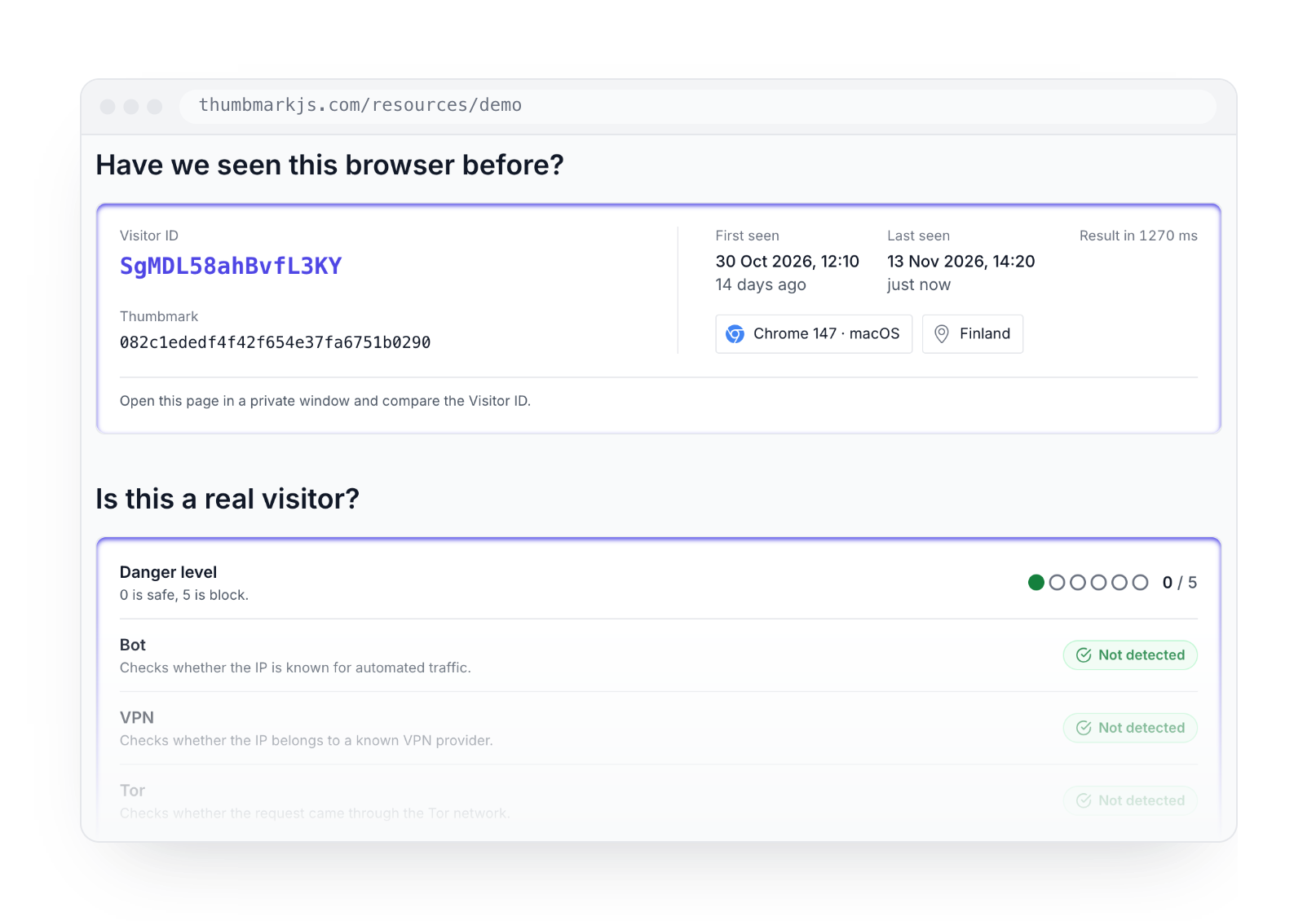
Get API key The live demo runs ThumbmarkJS in your browser, right now. You will see:
Your Visitor ID and thumbmark
The bot, VPN, Tor and datacenter checks, and a threat level
Every component behind the result, and the full response
Start free, scale as you grow.
Free
Uses the data points exposed by the browser. Runs locally without any API calls.
Free
For testing and small projects. 1000 API calls per month.
15€/ mo
For larger projects. 15k API calls per month, then 1€ per additional 1000 API calls.
Custom
Volume discounts, custom SLAs, compliance, and flexible terms.
ThumbmarkJS is a browser fingerprinting library that calculates a unique identifier based on carefully selected browser, device and HTTP request characteristics. This digital fingerprint, called a thumbmark, is designed to be stable across sessions and resistant to simple anti-fingerprinting techniques.
Your visitorId is an even more stable identifier stored both in the browser and server side, glued together by the thumbmark and some logic. The visitorId is generated by the server side, and is therefore not available in the open source version.
In the open source version, the thumbmark is generated from browser characteristics only. When the API is used, the thumbmark becomes more unique due to the added server-side components.
Three kinds of team use it.
Attribution and adtech. Stitching a visitor's journey across domains, where a third-party cookie no longer survives the hop. Same browser, different domain. This is the heaviest use of the API today.
Fraud and risk. Fake signups from one browser, payment and refund abuse, account takeover, promo abuse, scraping and bots.
Product and growth. Recognizing logged-out returning visitors - persistent carts, metered paywalls, personalization without a cookie.
Accuracy depends on your audience: which browsers and devices your visitors use, how often their browsers update, and how much traffic you have. So we don't promise a single number.
Two things determine it. One is how well a fingerprint tells different visitors apart. The other is how consistently it stays the same for one visitor over time.
In our own testing, about 80% of fingerprints from the open-source library were unique. The API raised that to about 99% by adding server-side signals such as the TLS handshake, HTTP headers and network details. The API also returns a Visitor ID that helps recognise a returning browser even when its fingerprint changes. The best way to judge accuracy is on your own traffic, and the free tier lets you test the API at no cost.
The open source version is completely free. To use the API and the enhanced accuracy it provides, we also offer a free plan with up to 1000 API calls per month. The PRO plan starts at 15€/month and includes 15 000 API calls per month, after which each additional API costs 0.001€. For those who need more than 1 million API calls per month we offer our Enterprise plan, with volume discounts and custom terms. See our pricing page for full details.